
Rig Bake › Features › One-click Unity & Godot sprite packages
One-click Unity & Godot sprite packages
Skip the import wizard: Rig Bake exports engine-native packages — pre-sliced, named, and wired for 2D dynamic lighting.
Open Rig Bake — free, in your browserNo sign-up. No upload — models stay on your machine. Works in any WebGL 2 browser.
Getting a spritesheet into an engine usually means slicing grids, naming frames and hooking up materials by hand. Rig Bake writes the engine metadata for you.
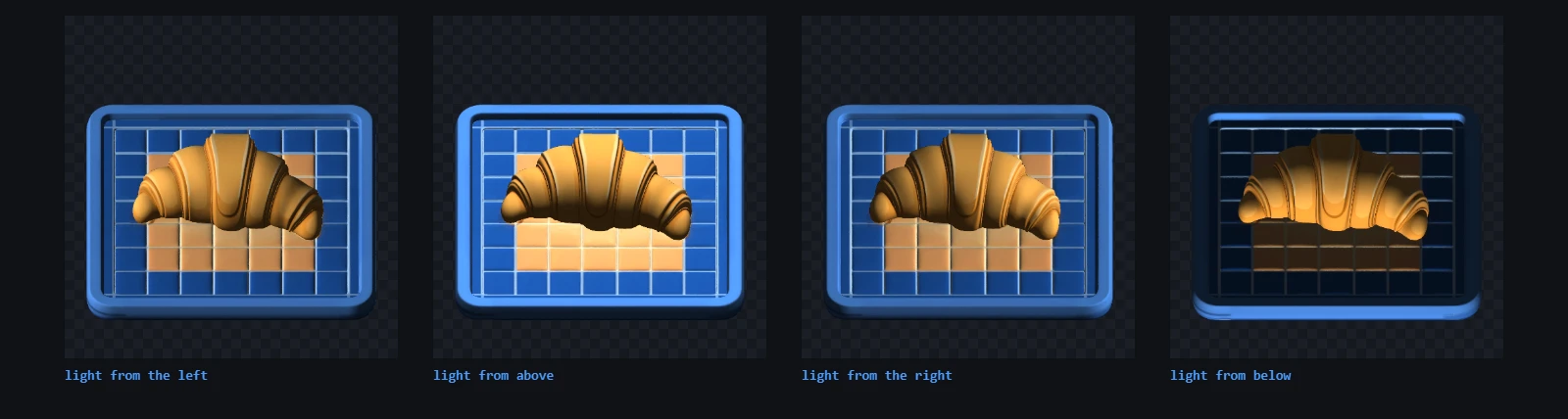
Unity package
A PNG sheet plus a matching .meta file with the sprite grid already sliced. If you baked the normal-map pass, the package binds it for Sprite-Lit-Default, so your 2D character reacts to Unity lights the moment you drop the files into Assets.
Godot package
A SpriteFrames .tres resource referencing the sheet, ready to assign to an AnimatedSprite2D — with per-frame normal maps wired for Light2D when the normal pass is enabled.
Other engines and pipelines
Every bake can also export a plain PNG sheet with metadata.json (frame rects, directions, timing), individual frames as a zip, animated GIF and MP4 previews, and transparent VP9 WebM for compositing. GameMaker and PICO-8 fake-3D workflows are covered by the sprite-stack export.
Frequently asked questions
Do I need a Unity plugin?
No. The .meta file is standard Unity serialization — copy the PNG and .meta into your Assets folder and the sliced sprites appear.
Which Godot node uses the export?
Assign the generated SpriteFrames .tres to an AnimatedSprite2D node; animations and frame timing come across automatically.
How do lit 2D sprites work?
Enable the normal-map render pass before baking. The exported normal sheet matches the color sheet cell-for-cell, and both packages reference it so engine 2D lights shade your sprites correctly.