
Rig Bake › Features › Re-unwrap UVs and re-bake the textures
Re-unwrap UVs and re-bake the textures
AI generators hand you a UV map made of confetti. Rig Bake re-charts the mesh into a clean, non-overlapping atlas — and re-bakes every texture onto it, so the model still looks identical.
Open Rig Bake — free, in your browserNo sign-up. No upload — models stay on your machine. Works in any WebGL 2 browser.
A model from Meshy AI, Tripo or Rodin renders fine out of the box, which hides the problem: its UVs were generated by an auto-unwrapper with no regard for how anyone would use them. Thousands of tiny islands, scattered, often overlapping, most of the texture surface wasted on gutter. The moment you want to repaint it, bake lighting into it, or merge it into an atlas, that map is in your way.
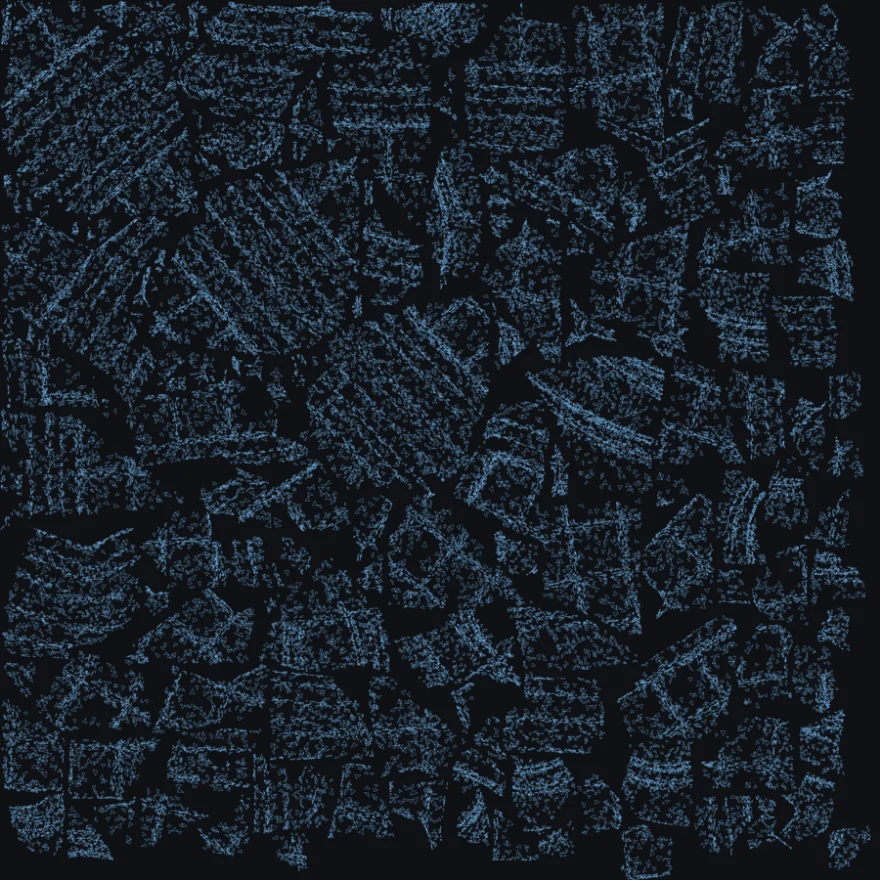
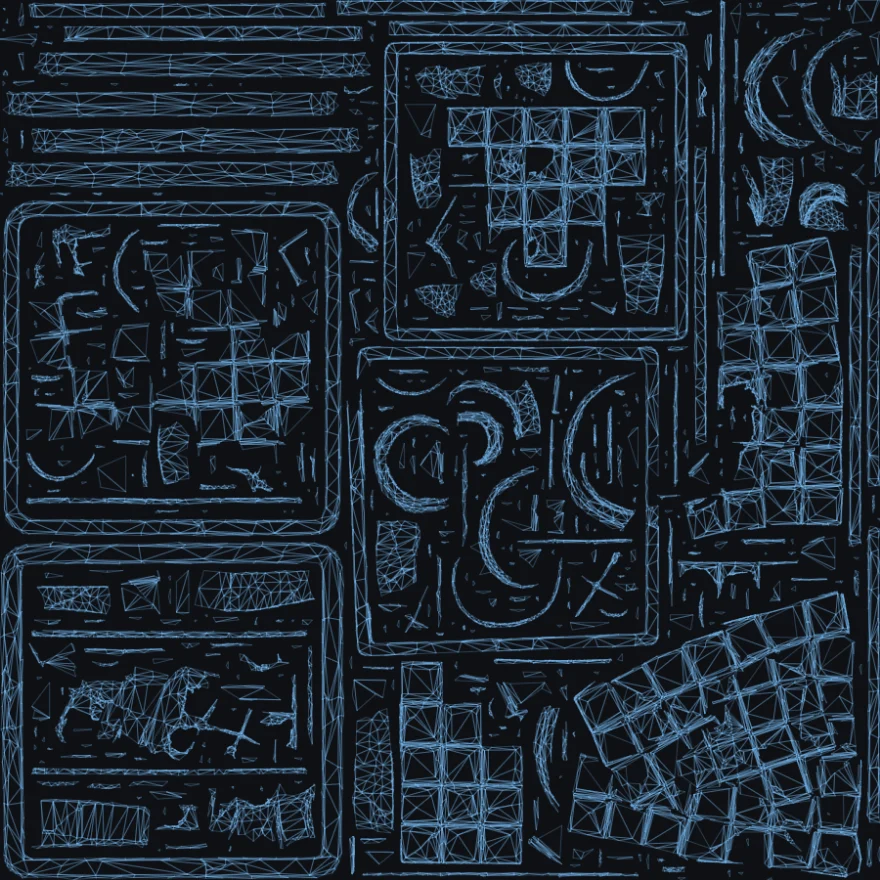
How to do it
- Drop your model in. Drag a
.glb,.gltfor.fbxfile into Rig Bake. - Decimate. Tools → Decimate mesh. Pick a target (5–25% suits most AI models) and create the decimated copy.
- Re-unwrap. Tools → Re-unwrap UVs. Hit Preview to see the new layout beside the old one, then create the unwrapped copy with texture re-baking on.
- Check it. Use the viewport's wireframe and normals views, and the UV inspector in the Mesh Renderer panel.
- Export. Download the scene as
.glb, or bake it straight to a spritesheet.
Your textures come with it
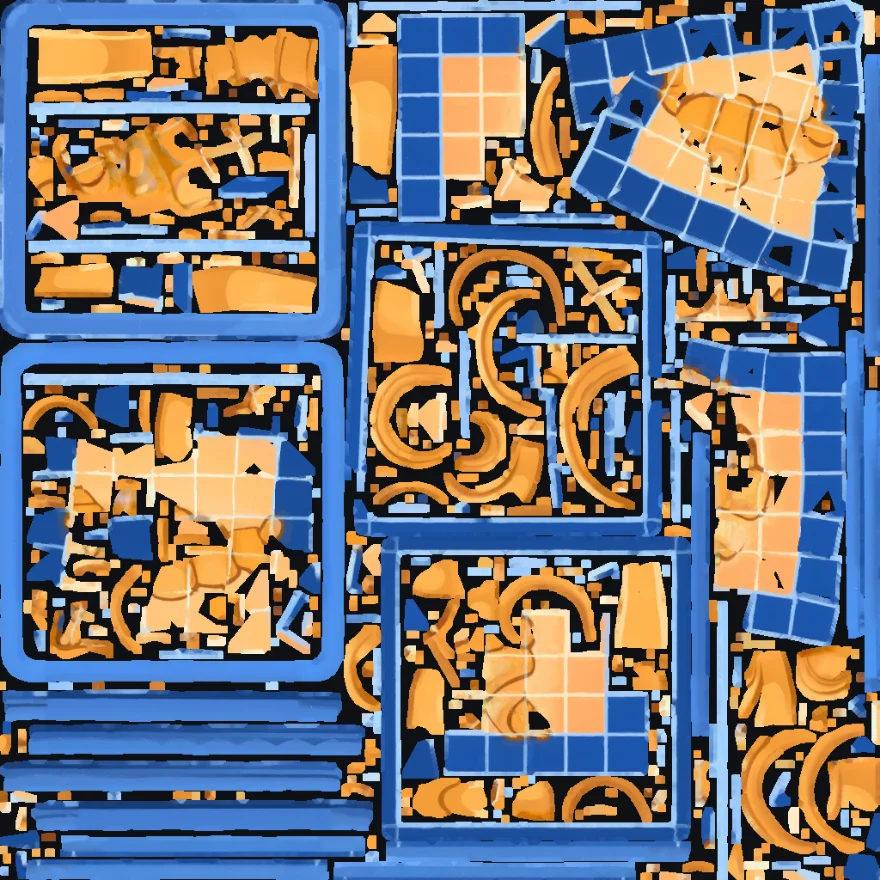
A new UV layout is worthless if it orphans your textures. Rig Bake re-bakes every map onto the new charts, so nothing is left pointing at a layout that no longer exists. Base colour, normal, roughness, metalness and emissive all follow.
Normal maps get special treatment. They store directions relative to the UV layout itself — so a normal map simply copied onto a new layout produces a map that looks plausible and lights wrong, in a way that is almost impossible to trace back later. Rig Bake re-encodes them for the new layout instead of copying them across.
Decimate first — the two go together
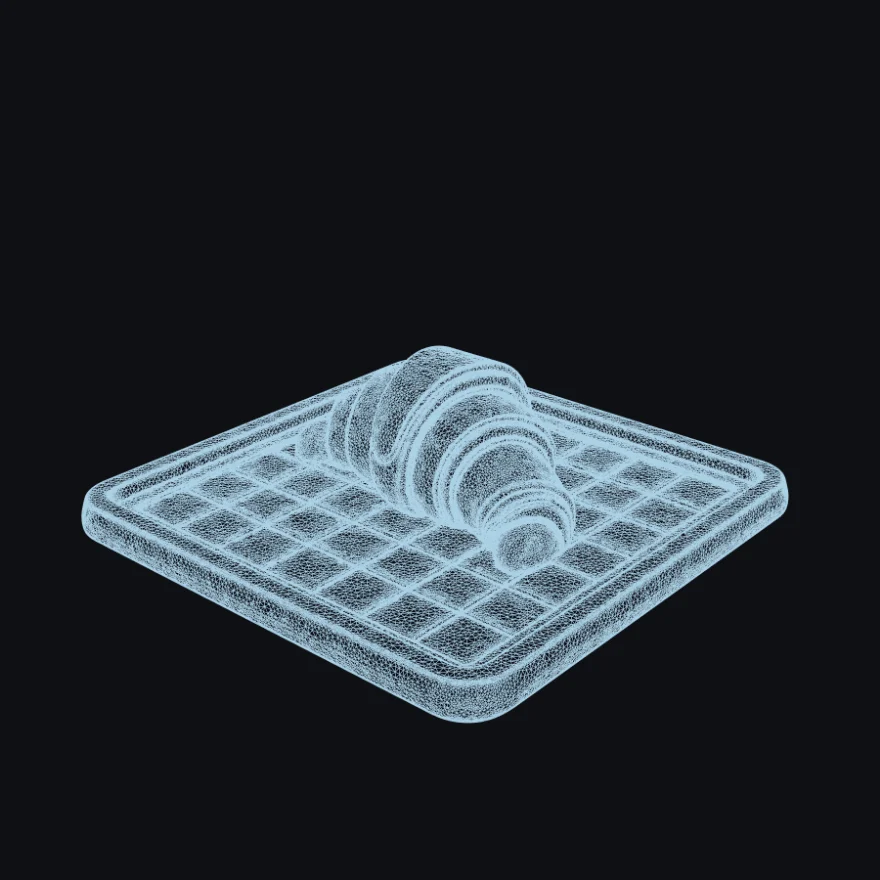
Raw AI models are 300,000+ triangles. There is no triangle ceiling — a full 385,872-triangle model unwraps in about three and a half minutes, in the browser — but a game needs far fewer, and decimating first turns those minutes into seconds. Reducing the polygon count is a second's work and gets any model comfortably under it — and the two steps together are what actually turns a generator's output into a game-ready asset.
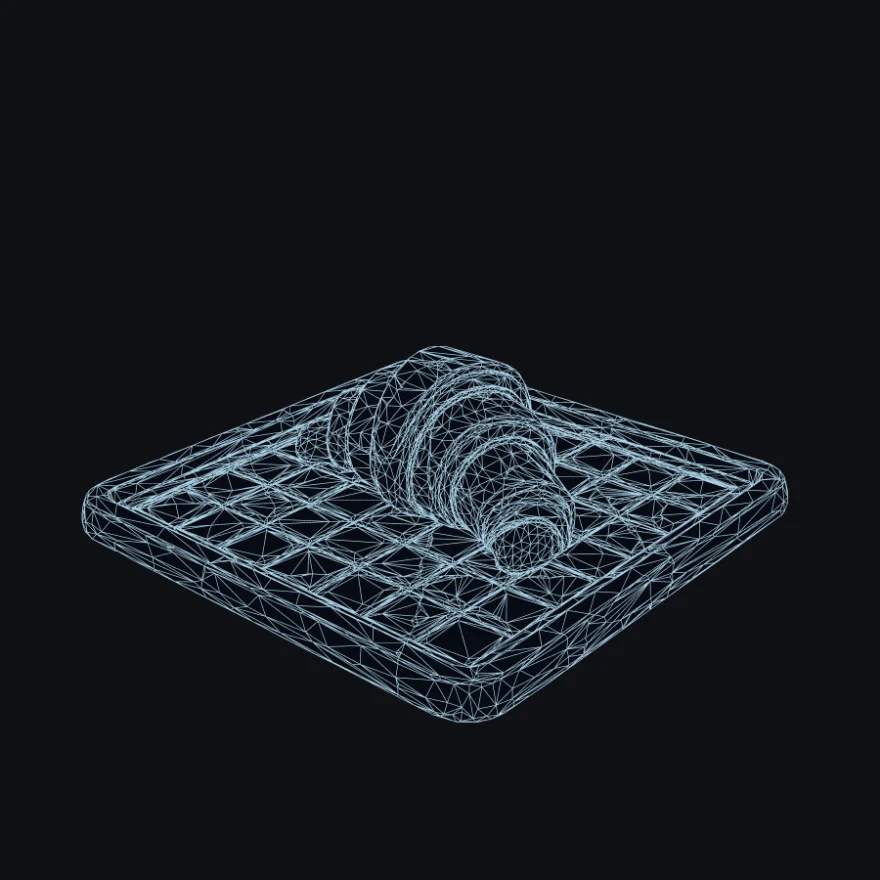
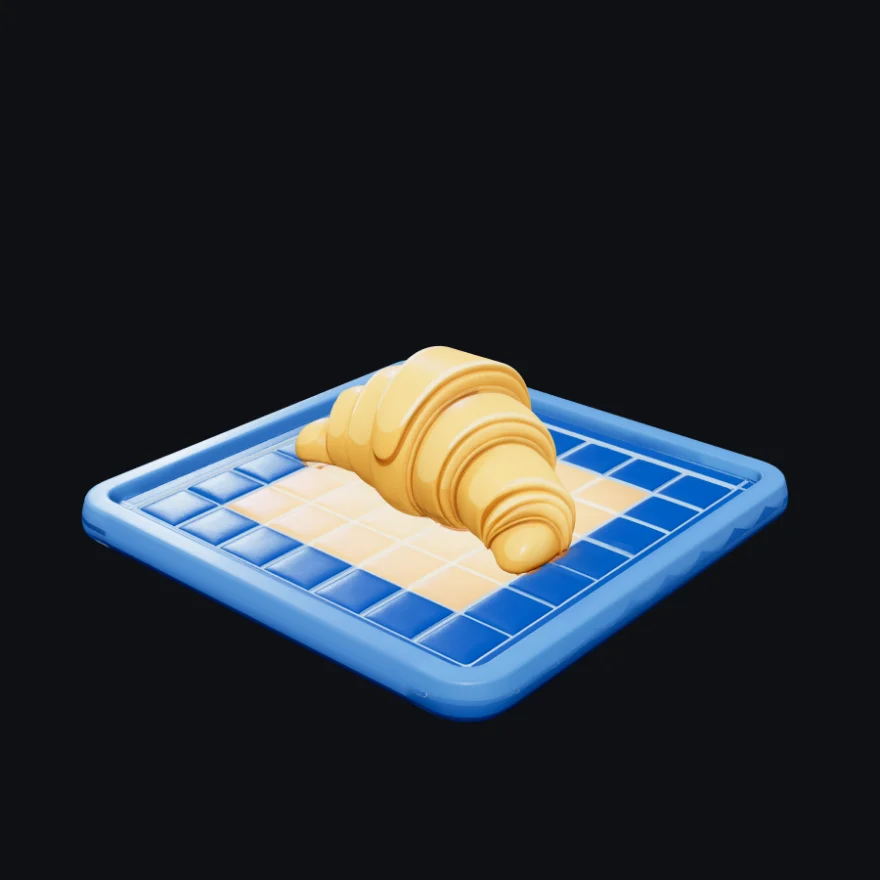
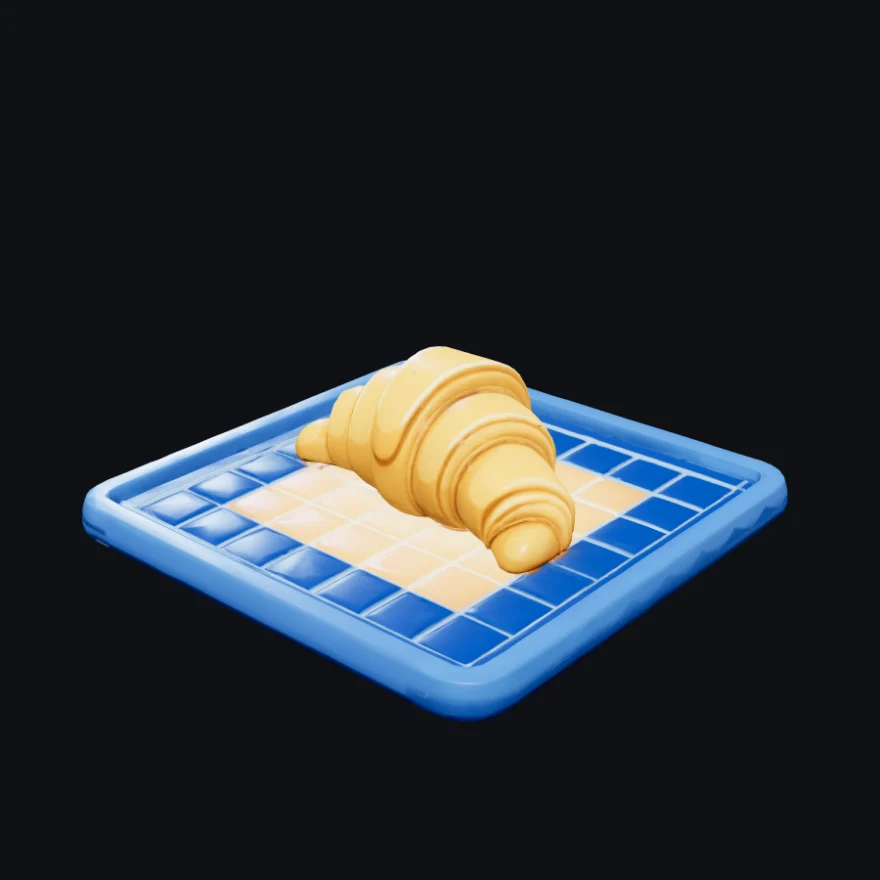
| Measured on this model | Before | After | |
|---|---|---|---|
| Triangles | 385,872 | 19,287 | −95% |
| Vertices | 203,837 | 18,899 | −91% |
| File size (.glb) | 19.3 MB | 4.7 MB | −76% |
| Texture atlas | 2048² | 1024² | −75% texels |
| UV coverage | fragmented | 98% | packed |
| Total time, in-browser | — | 8.4 s | no server |
What it repairs on the way
An unwrapper is only as good as the topology it is handed, and AI meshes are handed over in poor shape — seam splits that read as cuts, duplicate and degenerate faces, edges shared by three surfaces at once. Rig Bake cleans all of that up before it unwraps. Your geometry is never touched by any of it: what gets tidied is the working copy the unwrapper sees, not the mesh you keep.
- Non-destructive. The unwrapped model lands as a new object. The original stays exactly as it was — compare them side by side, bake either.
- Rig-safe. Skin weights, normals and material groups are carried across. Vertices are only ever split where a chart seam genuinely needs one.
- Tunable. Atlas size, chart size and gutter padding are yours to set, with a live before/after preview of the layout before you commit.
Frequently asked questions
Why do AI-generated models have bad UVs?
Meshy, Tripo and Rodin auto-unwrap the mesh into thousands of tiny charts. It renders fine, but the map is mostly gutter and the islands often overlap, so the model can't be repainted, light-baked or atlased.
Do my textures survive the re-unwrap?
Yes. Base colour, normal, roughness, metalness and emissive are all re-baked onto the new charts, and normal maps are re-encoded for the new layout rather than copied onto it, so lighting stays correct.
Is the original model changed?
No. The unwrapped model lands as a new object in the scene; the original stays exactly as it was, so you can compare the two or bake either.
Is there a size limit?
No hard limit — a full 385,872-triangle Meshy model unwraps in about three and a half minutes, and the tab stays usable while it runs. Decimating first makes it near-instant, and a game-ready asset wants fewer triangles anyway.